FFPE Troubleshooting Guide: Diagnosing and Resolving Common Singulator 200+ Issues
The protocols, benchmarks, and expected results described in this guide assume properly prepared, high-quality FFPE blocks. Fixation conditions, storage history, and block age all affect downstream performance. Results from degraded, over-fixed, or improperly stored specimens may differ. Always validate block quality before committing precious samples to a full experiment.
When your FFPE workflow does not go as planned
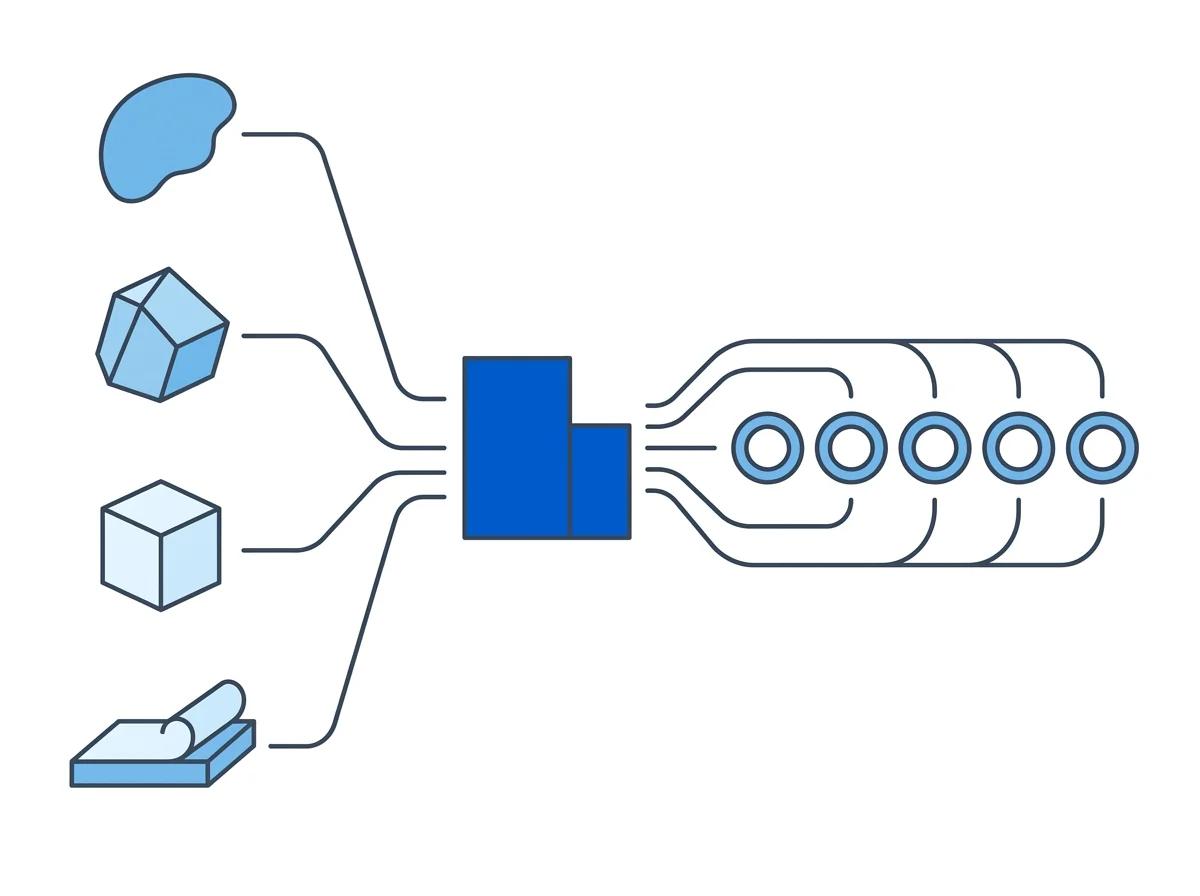
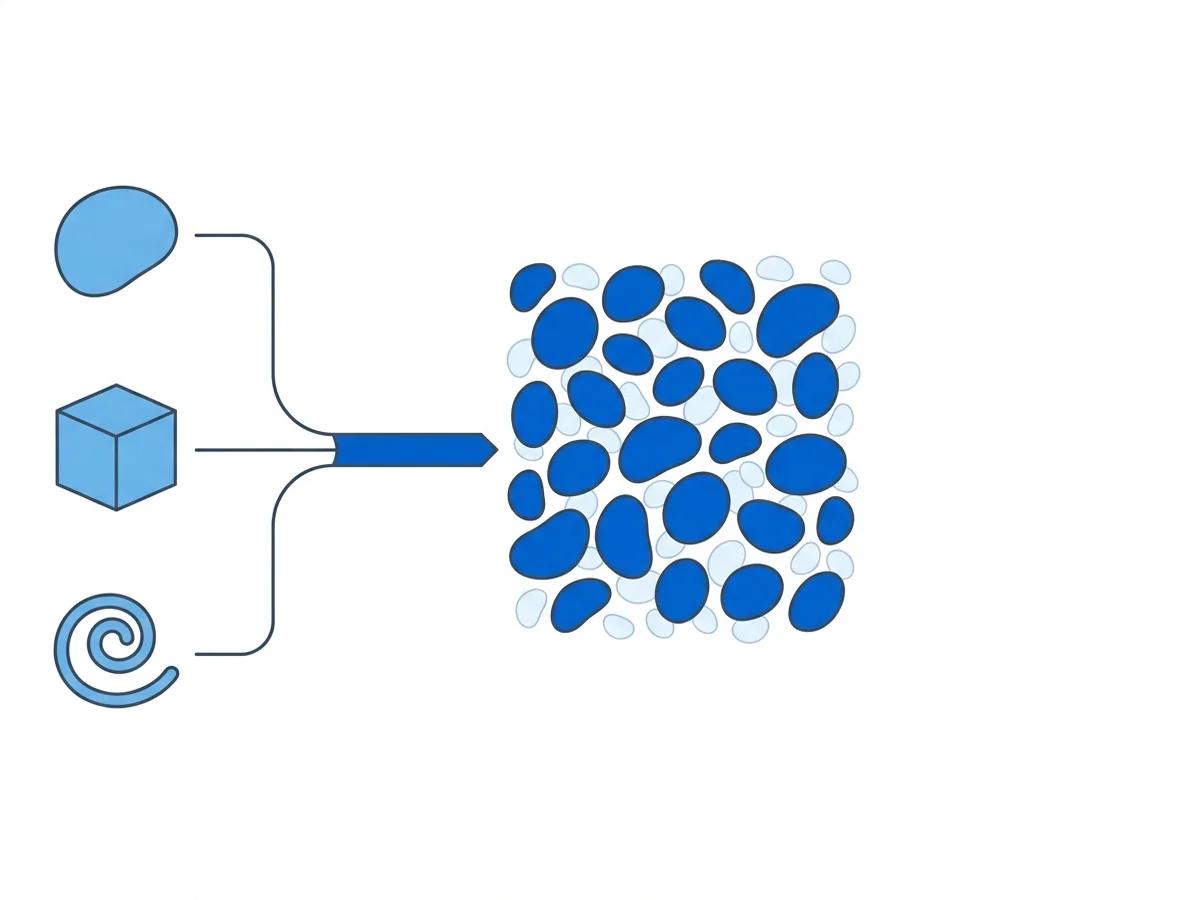
The Singulator 200+ automates deparaffinization, rehydration, and nuclei isolation in a standardized 60-minute workflow. That standardization is the point: it removes the operator variability that makes manual FFPE protocols so inconsistent. But automation does not eliminate every possible source of trouble. The blocks themselves vary. The tissue types behave differently. Storage conditions differ between institutions.
What automation does is narrow the problem space. When something goes wrong on a manual protocol, the issue could be in any of 28 pipetting steps, the operator's technique, the solvent incubation timing, or the tissue itself. On the Singulator 200+, the instrument handles the mechanical and chemical steps identically every time. That leaves the input material and the cartridge setup as the two variables worth investigating first.
This guide covers the problems that labs report most often, organized by symptom. Each section includes what to look for, what likely caused it, and what to do next.
TL;DR - Quick troubleshooting checklist
- Low yield? Verify tissue input is at least 2 mg and that the GREEN cartridge completed deparaffinization without error
- Excessive debris in output? Check for incomplete deparaffinization or over-fixed tissue. Residual paraffin carries through to the nuclei suspension
- Poor DV200 scores? The extraction method does not cause RNA degradation. Test the block directly with a DV200 measurement before processing
- Batch-to-batch variation? Confirm blocks come from the same fixation protocol and storage conditions. Different fixation histories produce different results
- Cartridge error? Tighten the red knobs, verify correct insertion, and check the run log for specific error codes
Diagnose and resolve common FFPE workflow issues
Select a topic below to see specific symptoms, causes, and fixes for the most common problems encountered during FFPE nuclei extraction on the Singulator 200+.
Low nuclei yield Diagnose and fix low nuclei yield from FFPE tissue
A run that produces fewer nuclei than expected is the most common complaint. The Singulator 200+ typically recovers over 1 million nuclei from a single 50 micrometer curl of standard FFPE tissue. If yield falls well below that, something upstream needs attention.
Check tissue input first
The most frequent cause of low yield is simply not enough tissue going in. The GREEN FFPE cartridge requires at least 2 mg of tissue for reliable processing. A 50 micrometer curl from a block with a standard cross-section (roughly 1 cm x 1 cm) typically falls in the 2 to 10 mg range, depending on tissue density. But small blocks, needle biopsies, and punch biopsies sometimes produce curls below 2 mg.
If the block's cross-section is small, pool two or three curls into the same tube before loading the cartridge. The Singulator 200+ handles pooled inputs without protocol modification.
For blocks where curl weight is uncertain, use an analytical balance. Weigh the empty tube, add the curl, and weigh again. Anything below 2 mg warrants pooling. For routine processing from standard blocks, a single 50 micrometer curl is usually sufficient.
Verify deparaffinization completed
If tissue input was adequate but yield is still low, check whether the GREEN cartridge step completed successfully. Incomplete deparaffinization leaves residual paraffin that physically prevents the YELLOW NIC+ cartridge from accessing the tissue for nuclei isolation. Review the instrument run log for any errors or warnings during the first cartridge step.
Tissue type matters
Not all tissues release nuclei at the same rate. Soft organs like brain and liver yield nuclei more readily than fibrous or keratinized tissues like skin or connective tissue. Heavily fibrotic tumors, particularly desmoplastic pancreatic cancers with dense stroma, may produce lower yields per milligram than softer tumor types. For difficult tissue types, increasing the input amount by pooling extra curls is the most straightforward fix.
Cutting too thin. Sections at 10 or 25 micrometers contain a fraction of the tissue in a 50 micrometer curl. Five 10 micrometer sections pooled together still only equal one 50 micrometer curl in volume. Section at 50 micrometers unless there is a specific reason not to.
Over-fixation reduces recovery
Blocks fixed in formalin for more than 72 hours develop excessive protein cross-links that make nuclei harder to liberate. Archival blocks with unknown fixation histories sometimes fall into this category. There is no way to undo over-fixation after the fact, but using more input tissue compensates partially for reduced per-milligram recovery.
Debris in output Reduce debris contamination in your nuclei suspension
Some debris in an FFPE nuclei suspension is normal. The process of extracting nuclei from fixed, paraffin-embedded tissue inherently produces fragments, membrane remnants, and residual extracellular material. The question is whether the debris level is within acceptable limits or whether it will compromise downstream applications.
Signs of excessive debris
When examining the nuclei suspension under a microscope, healthy output looks like a population of round, distinct nuclei against a relatively clean background. Excessive debris shows up as a haze of small particles, clumps of amorphous material, or visible waxy globules. If the background is so dense that individual nuclei are hard to distinguish, debris is likely too high for clean sequencing data.
After the YELLOW NIC+ cartridge completes, take 2-3 microliters of the nuclei suspension and examine it at 20x magnification. Nuclei from FFPE tissue are smaller than fresh-tissue nuclei and may appear slightly irregular, but they should be individually distinguishable. If the field looks like soup, troubleshoot before loading on a 10x Flex or other sequencing platform.
Residual paraffin is the usual suspect
The most common cause of excessive debris is incomplete deparaffinization during the GREEN cartridge step. Residual paraffin carries over into the YELLOW NIC+ cartridge as waxy particles that mix with the nuclei. This happens more frequently with sections thicker than 50 micrometers or when too much tissue is loaded into a single cartridge.
To confirm: look for waxy, translucent particles in the suspension. Paraffin remnants have a distinctive appearance under the microscope that differs from cellular debris.
FFPE two-step workflow reminder S200+ Only
Non-paraffin debris sources
If the debris is cellular (not waxy), the likely cause is the tissue itself. Over-fixed tissue produces more cellular fragments during dissociation because excessive cross-linking makes the tissue brittle. Old blocks with degraded membranes also shed more debris. In these cases, an optional filtration step through a 40 micrometer strainer after the YELLOW cartridge can reduce debris load before loading on a sequencing platform.
Filtering through a 40 micrometer strainer removes large debris but also removes some nuclei. Expect a 10-20% yield reduction. Only filter if debris is genuinely compromising the downstream application. For many samples, the Singulator 200+ output is clean enough to load directly.
DV200 and RNA quality Understand why DV200 scores reflect block quality, not extraction quality
Researchers sometimes see a low DV200 after processing FFPE tissue and wonder whether the Singulator 200+ caused the RNA degradation. It almost never did. DV200 measures the percentage of RNA fragments longer than 200 nucleotides, and this metric is overwhelmingly determined by the block's history, not the extraction method.
What drives DV200
Three factors control DV200 before any instrument touches the tissue:
- Fixation time: Standard 10% neutral buffered formalin fixation for 6 to 48 hours is compatible with good RNA quality. Fixation longer than 72 hours fragments RNA progressively.
- Block age: RNA degrades over time even in paraffin. Blocks under 5 years typically yield DV200 above 50%. Blocks 5 to 15 years old are variable. Blocks over 15 years often fall below 30%.
- Storage conditions: Heat and humidity accelerate RNA fragmentation. A 10-year-old block stored in a climate-controlled room may outperform a 3-year-old block stored in an unconditioned warehouse.
Cut a few thin test sections (10-25 micrometers), extract RNA with an FFPE-specific kit, and measure DV200 on a TapeStation or Bioanalyzer before committing 50 micrometer curls to the Singulator 200+ workflow. This 30-minute check saves thousands of dollars in wasted sequencing reagents if the block turns out to be degraded.
DV200 thresholds for decision-making
How to interpret the measurement:
| DV200 range | Assessment | Recommended action |
|---|---|---|
| >50% | Good RNA quality | Proceed with standard workflow. Expect robust library complexity. |
| 30-50% | Marginal RNA quality | Proceed with caution. Data will be sparser, fewer genes per nucleus. Use 10x Flex probe-based chemistry (more tolerant of fragmented RNA). |
| <30% | Severely degraded | High risk. Consider whether the biological question justifies the sequencing cost. Probe-based methods may still yield usable data, but expect limited sensitivity. |
When the extraction method is the issue
In rare cases, if DV200 drops significantly between a pre-processing test measurement and a post-extraction measurement of the nuclei, something during processing may have further damaged RNA. Check whether the cartridges were stored at the correct temperature, whether the GREEN cartridge protocol ran to completion, and whether the YELLOW NIC+ cartridge was loaded promptly after deparaffinization. Leaving deparaffinized tissue sitting at room temperature for extended periods before proceeding to nuclei isolation can degrade RNA.
After the GREEN cartridge completes, transfer tissue to the YELLOW NIC+ cartridge promptly. Do not leave deparaffinized tissue sitting on the bench for more than a few minutes. The tissue is no longer protected by paraffin, and RNA degradation resumes at room temperature.
Batch variability Track down the source of batch-to-batch inconsistency
One of the Singulator 200+'s strengths is reproducibility. In head-to-head comparisons on mouse PDAC FFPE tissue, the instrument delivered replicate yields of 1.0 million and 1.0 million nuclei, while manual Miltenyi replicates yielded 1.5 million and 0.4 million. If batch-to-batch results are varying more than expected, the variability is entering the workflow somewhere outside the instrument.
Different blocks from different fixation protocols
Institutions fix tissue differently. One hospital may fix for 12 hours in 10% NBF. Another may fix for 48 hours. A third may use zinc formalin. These differences produce blocks with fundamentally different mechanical and chemical properties. Comparing yields across blocks from different institutions is comparing different starting materials.
If samples come from multiple biobanks or hospital pathology archives, log the source institution for each block. Pattern-match yield against source to determine whether the variability is institutional (fixation protocol differences) rather than instrument-related. This is the single most common explanation for batch variation in multi-site studies.
Block age differences within a cohort
A retrospective study might pull blocks spanning a decade. A 2015 block and a 2023 block, even from the same institution, will behave differently because RNA degrades over time and embedding materials may have changed. Age-related yield differences are expected and do not indicate an instrument problem.
Tissue composition differences
Tumor heterogeneity means that even two curls from the same block may contain different ratios of tumor cells, stroma, necrosis, and normal tissue. A curl dominated by necrotic tissue will yield fewer intact nuclei than a curl through viable tumor. If you can, check an H&E section from the same depth as the curl to confirm tissue composition.
When running a cohort, process a control block (a block with known good quality, recent vintage, and consistent tissue type) alongside each batch. If the control produces consistent yields across batches, the instrument and reagents are performing normally, and variability in other samples comes from the blocks themselves.
Reagent and cartridge lot differences
While uncommon, reagent lot variability can affect results. If a new batch of GREEN or YELLOW cartridges coincides with a change in performance, note the lot numbers and contact Precision Cell Systems technical support. They can check whether the lot has any known issues.
Cartridge and instrument Resolve cartridge errors and instrument-level problems
Cartridge and instrument problems are less common than tissue-related issues, but when they happen, they stop the workflow entirely. The good news is that most cartridge errors have simple mechanical fixes.
Cartridge not detected
The most reported instrument error is the cartridge detection failure. The Singulator 200+ uses optical sensors to confirm cartridge insertion, and these sensors occasionally fail to read the cartridge if the red knobs on the processing module become slightly loose after repeated use.
The fix: twist the red knobs on the processing module to tighten them, then reinsert the cartridge. In most cases, this resolves the error immediately. If it persists, check that the cartridge is oriented correctly and fully seated in the slot.
Before starting a run, check that the red knobs are finger-tight. A quick twist before each batch prevents the intermittent cartridge detection errors that interrupt workflows. This takes five seconds and saves the time lost to mid-run troubleshooting.
Protocol fails to initiate
If the software accepts the cartridge but the protocol fails to start, check the software version. Outdated firmware may not support newer cartridge types or recently updated protocols. The run log will usually specify the error. If the log references a protocol version mismatch, a software update from Precision Cell Systems will resolve it.
Mechanical errors mid-run
Mid-run errors are rare but can happen if the cartridge was not properly sealed, if air bubbles are trapped in the cartridge, or if the tissue clogs the cartridge's internal channels. Dense, fibrous tissues are more prone to clogging than soft tissues. If a run terminates mid-process, the tissue in that cartridge is usually not recoverable. Document the error code, save the run log, and contact technical support.
The Singulator 200+ records detailed run logs and, on some configurations, run video files. When contacting technical support, having the log file from the failed run is the fastest way to diagnose the problem. Ask support which log files to export and how to share them.
Temperature-related issues
The Singulator 200+ controls temperature during processing. If the instrument displays a temperature warning, check the ambient environment. Processing in a room above 30 degrees Celsius or directly next to a heat source can interfere with the instrument's thermal regulation. Move the instrument to a climate-controlled bench space if temperature warnings recur.
When to call support
Contact Precision Cell Systems technical support for:
- Cartridge detection errors that persist after tightening the red knobs
- Repeated mid-run failures on tissue types that previously processed well
- Software errors not resolved by restarting the instrument
- Any error code not covered in the instrument manual